

Multi-cloud MCP server for cloud asset inventory
Claude, ChatGPT and other MCP clients query one CMDB of AWS, Azure, GCP and VMware resources, read-only. A question that takes a script per cloud and a merged export becomes one prompt.
Read-only permissions required
No credit card needed
Automated and guided setup
30-day free trial







Read-only permissions required
No credit card needed
What changes for the cloud operations team
The server reads the CMDB, where AWS, Azure, GCP and vCenter data is already collected, so a question across hundreds of accounts makes no calls to them.
Accounts, subscriptions, projects and vCenters sit in one dataset. Nobody joins CSVs on resource IDs before answering.
The CMDB knows which instance sits in an Auto Scaling group and which route leads to a NAT gateway, facts a billing export does not carry.
Each tool call and the query behind it show up in the assistant, so an answer can be checked and rerun.
Teams that run their cloud inventory on Cloudaware
Five read-only tools behind one server URL
The assistant finds the right object types and fields, maps how they relate, profiles values and only then runs the query.
search_typessearch_fieldsget_relationship_graphanalyze_fieldexecute_query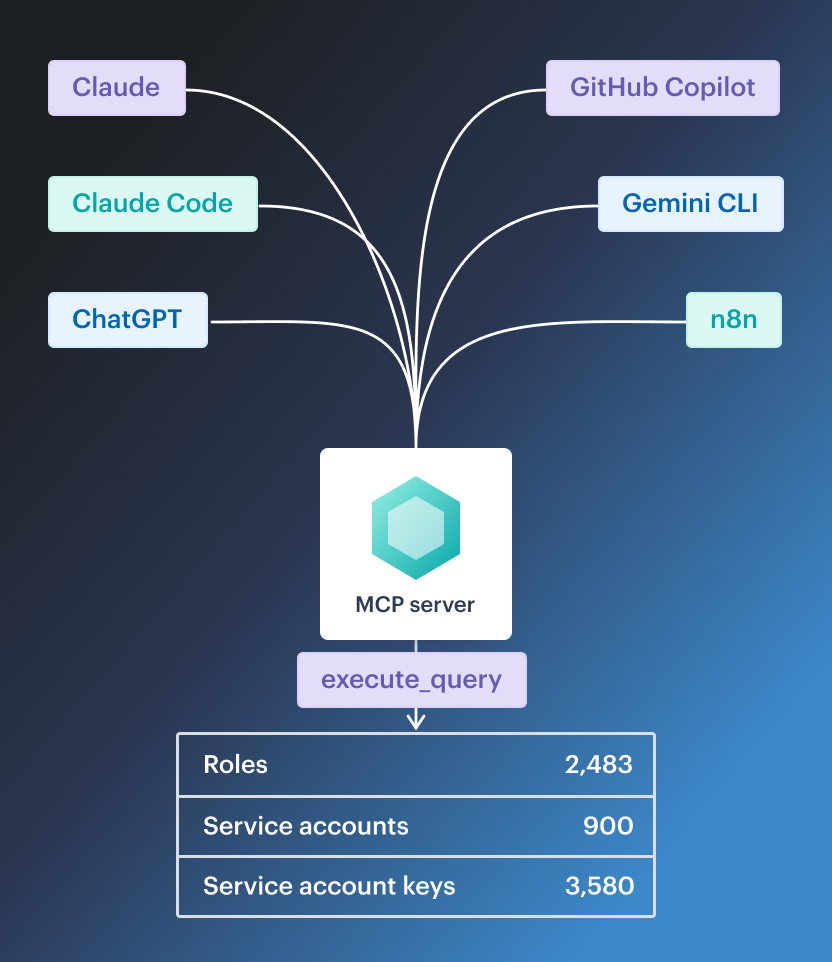
Questions cloud operations teams script today
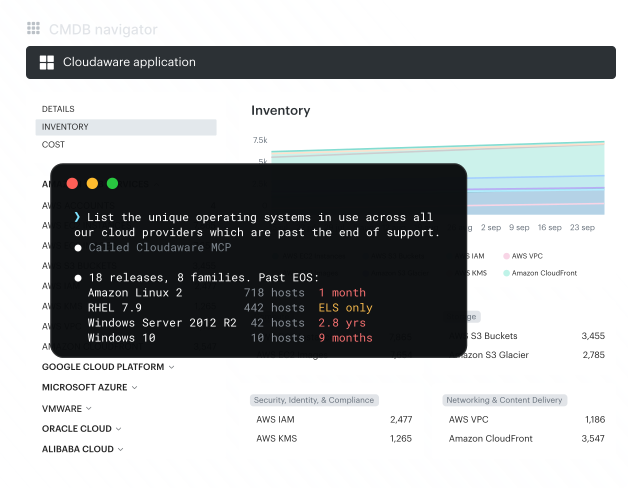
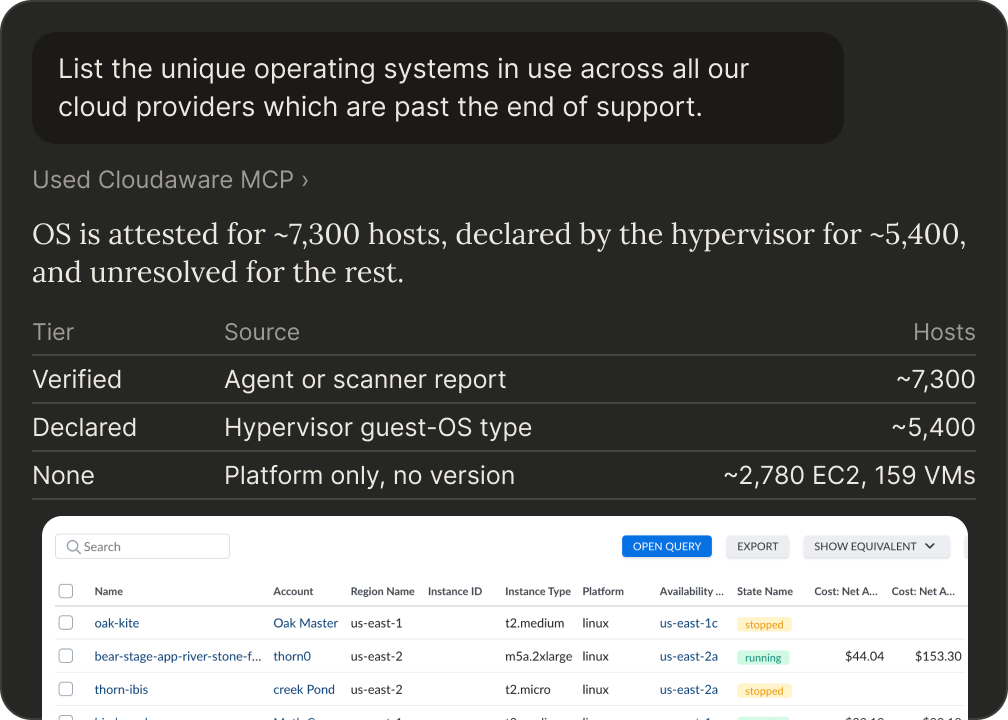
End-of-life operating systems across every cloud
One prompt lists the operating systems past end of support across AWS accounts, Azure subscriptions, GCP projects and vCenter. OS data comes from the scanners, configuration management tools and agents already connected to Cloudaware.
- Unique OS versions across providers
- Instances per OS version and account
- A query that can be rerun next sprint
How a resource reaches the internet
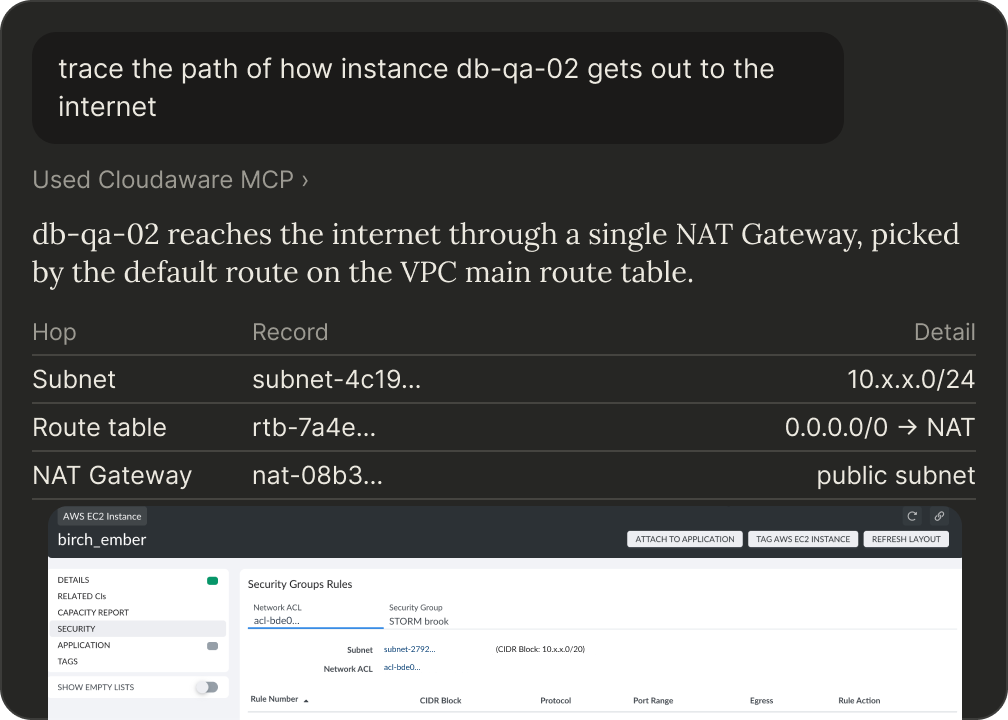
In the first minutes of an incident, ask for the network path instead of walking three consoles. The answer follows the route across accounts through NAT and transit gateways and the routing rules on the way.
- Path across accounts, hop by hop
- The NAT gateway and the routing rule that matches
- Follow-up questions on ports and direction
Compute that no scanner reports on
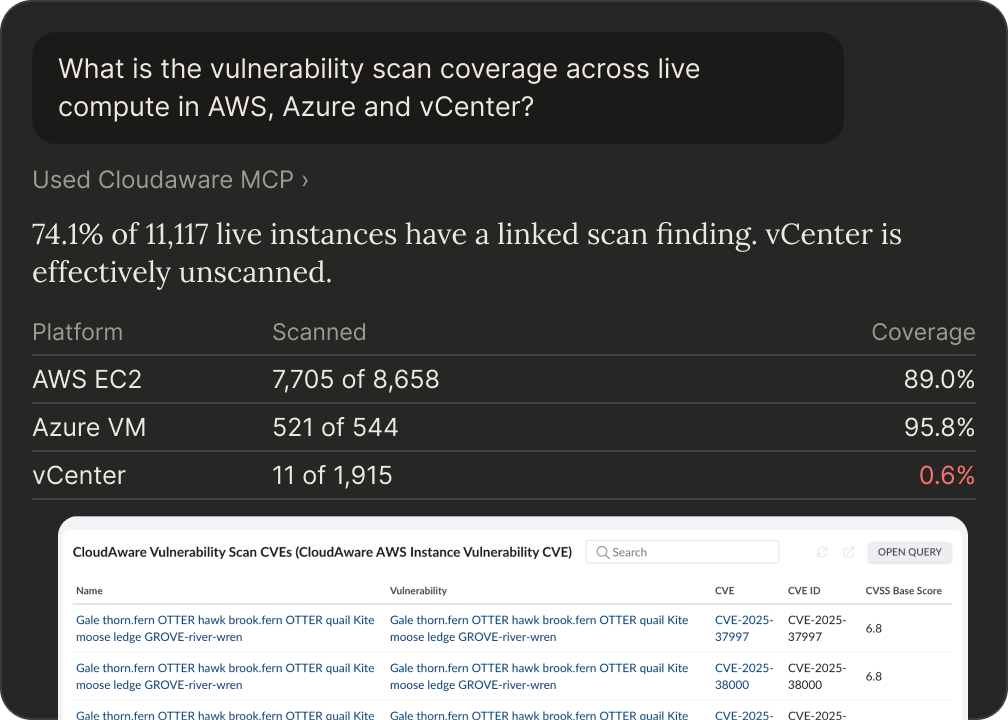
Compare the inventory with scanner data and get the instances no vulnerability scanner covers, per account and per scanner type, including scanners that stopped reporting.
- Coverage across AWS, Azure and vCenter
- Coverage by scanner type
- Stale scan results surfaced
Cost and relationships on the same record
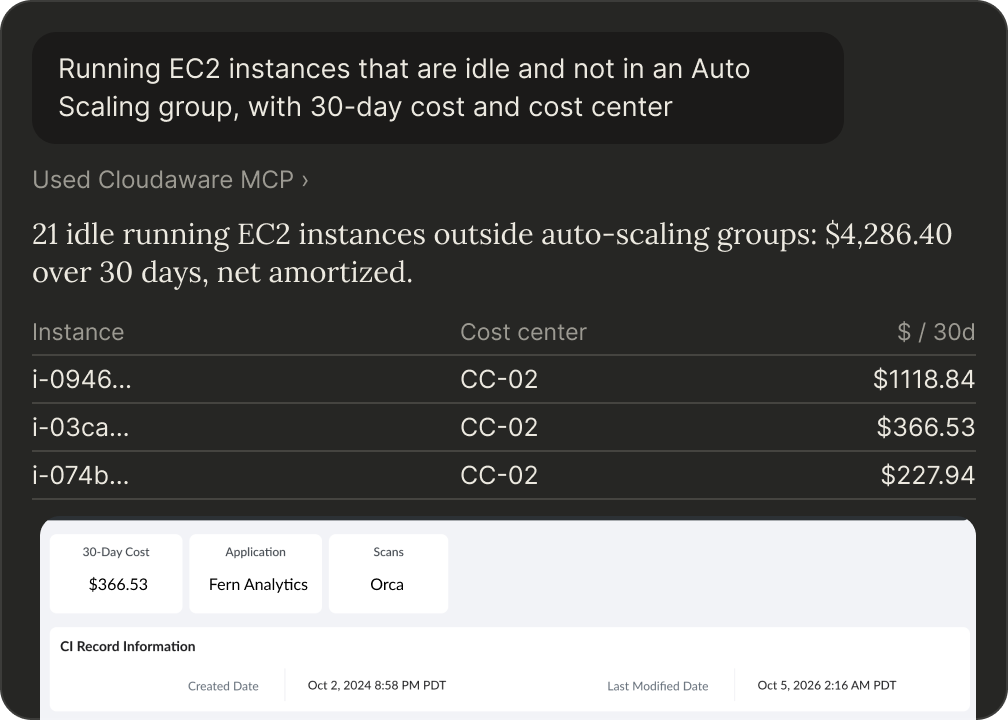
The CMDB carries each resource's cost next to its configuration and links, and it is stateful, so one answer covers what would otherwise take an inventory tool, a billing export and a guessed join.
- Untagged EC2 instances by monthly cost
- Idle instances outside an Auto Scaling group, with owner and cost center
- How long each volume has been detached
More questions to ask on day one
Percentages per service and provider, with the encryption type, from one source an auditor can rerun.
What percentage of our storage is encrypted, by service and cloud provider?
Untagged instances ranked by cost per account, so tagging work starts where the money is.
Total monthly cost of EC2 instances missing a cost center tag, by account, sorted by spend
Volumes detached from any instance and snapshots whose volume is gone, with size, age and 30-day cost.
Every unattached EBS volume and every snapshot with no attached volume, with size, age and 30-day cost
Low-utilization instances that no Auto Scaling group manages, with owner, environment and cost center.
Running EC2 instances that are effectively idle and not in an Auto Scaling group, with 30-day cost, owner, environment and cost center
The largest month-over-month jumps in the top accounts, traced to the services behind them.
Biggest month-over-month cost jumps across the top 10 accounts by spend. For the top spike, show what it is attached to
Instances two scanners both cover, and the gaps neither does.
Which compute instances are scanned by both AWS Inspector and another scanner, and which by neither?
Access a security team can approve
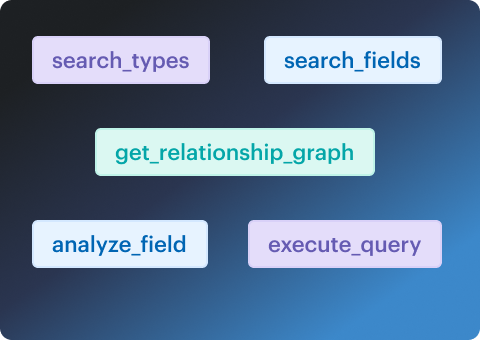
Five query tools. None of them changes the CMDB or cloud accounts.
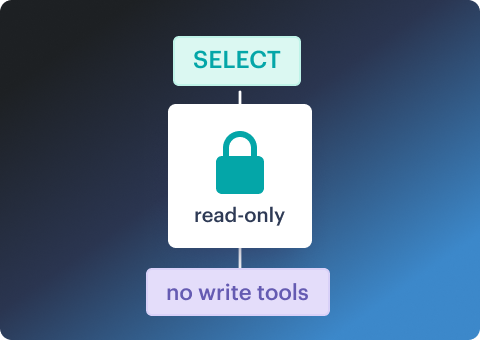
Each query runs with the access of the authenticated user.
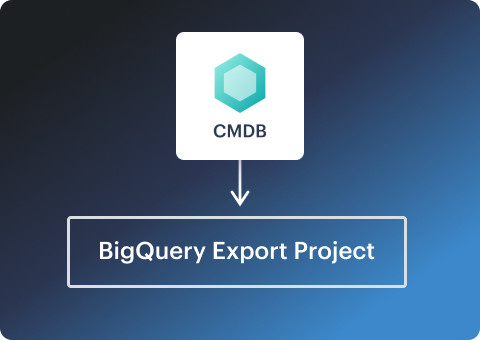
Queries run on the CMDB export in the customer's own BigQuery project or one Cloudaware manages. Results go to the assistant the user connected.
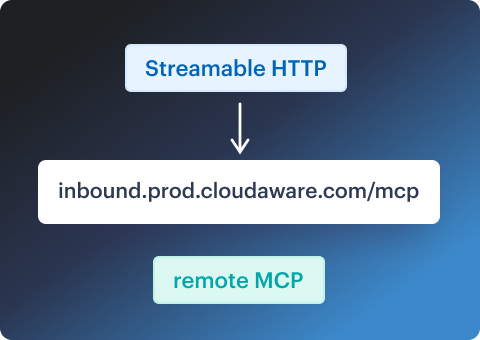
Sign in with Cloudaware Launcher, Google OAuth 2.0 or an API key. The identity needs BigQuery Data Viewer and Job User.
Infrastructure data the assistant can trust
Cloudaware runs the CMDB behind the MCP server for enterprises across every major cloud.
$3.1B
cloud spend under management in Cloudaware
AWS
Security Competency and Well-Architected Partner
FinOps
Certified Platform
100+
integrations with industry tools
Not sure which MCP server for cloud infrastructure to choose?
Compare the Cloudaware multi-cloud MCP server with CloudQuery, Wiz and Vantage on what each one can query: relationships, cost and owners per resource, and SQL across the inventory.


Cloudaware MCP server FAQ
What is a multi-cloud MCP server?
How is Cloudaware MCP different from the AWS or Azure MCP server?
What is a CMDB MCP server?
What can a FinOps MCP server answer?
Why one server instead of an MCP server per tool?
What does Cloudaware MCP need before it connects?
Does the server change data, and whose permissions apply?
Which assistants are supported?
What is the difference between the remote and local server?